PLAYBOOK · IT OPERATIONS
Turn Confluence, Jira, and GitHub into an IT helpdesk knowledge assistant.
Half of every L1 ticket is "where is the runbook for this?". VDF AI's federated semantic search across Confluence, Jira, and GitHub gives your helpdesk agents an assistant that already read the docs.
The IT helpdesk is the fastest payback target inside most enterprises. Hours of L1 time vanish into "where is the runbook for this?" every shift. The fix is not another knowledge base — it is a federated retrieval surface over Confluence, Jira, and GitHub, exposed to an agent that already knows your incident vocabulary.
The problem
Knowledge exists — discovery doesn't
Runbooks rot in Confluence, root-cause notes live in old Jira tickets, configuration lives in GitHub. L1 agents context-switch through six tools to answer one question.
The VDF AI approach
Federated semantic search across all three
VDF AI ships dedicated MCP tools for Confluence, Jira, and GitHub vector search — plus an all_vectors_search federated tool. A helpdesk agent uses them like any other capability.
WHY THIS MATTERS NOW
L1 throughput is a retrieval problem
Most enterprise helpdesks lose more time to locating answers than to thinking about them. The runbook exists. The fix from a similar incident exists. The architectural diagram exists. They are just in three different tools, and the L1 agent has 90 seconds before the customer asks again.
VDF AI ships dedicated semantic-search tools for Confluence, Jira, and GitHub, plus a federated all_vectors_search. A purpose-built Helpdesk Agent uses them the way a senior engineer would: cite the runbook first, fall back to prior incidents, then check the README of the relevant repo.
WHAT YOU NEED TO START
Prerequisites for a pilot
Sources
- Confluence spaces (admin or read API)
- Jira projects (read API)
- GitHub orgs or repos (read)
- Optional: legacy KB exports
ITSM surface
- Ticket create / update endpoint
- User lookup or auth bridge
- Bearer-token passthrough or OAuth
- Categorization taxonomy
People
- One helpdesk operations lead
- One knowledge owner per source
- One ITSM admin
- Optional: SRE on-call for runbook curation
REFERENCE ARCHITECTURE
Tickets in, cited answers out
Per-source pgvector indexes
Federated tool
ITSM ticket actions
triage · resolve · escalate
PLAYBOOK · STEP BY STEP
Wire it up in five afternoons
Connect Confluence, Jira, and GitHub
Use the built-in integrations to authorize VDF Data to read each source. Schedule re-indexing.
Build vector indexes
Vectorize Confluence spaces, Jira issues by project, and GitHub repos. Each becomes a queryable MCP tool: confluence_vector_search, jira_vector_search, github_vector_search.
Wrap ITSM actions as Custom HTTP tools
"Create ticket", "assign", "request more info" become callable tools — VDF AI handles auth and rate limiting.
Compose the Helpdesk Agent
System prompt: cite Confluence first, fall back to Jira history, then GitHub READMEs. Output a draft reply and a recommended action.
Run, monitor, evolve
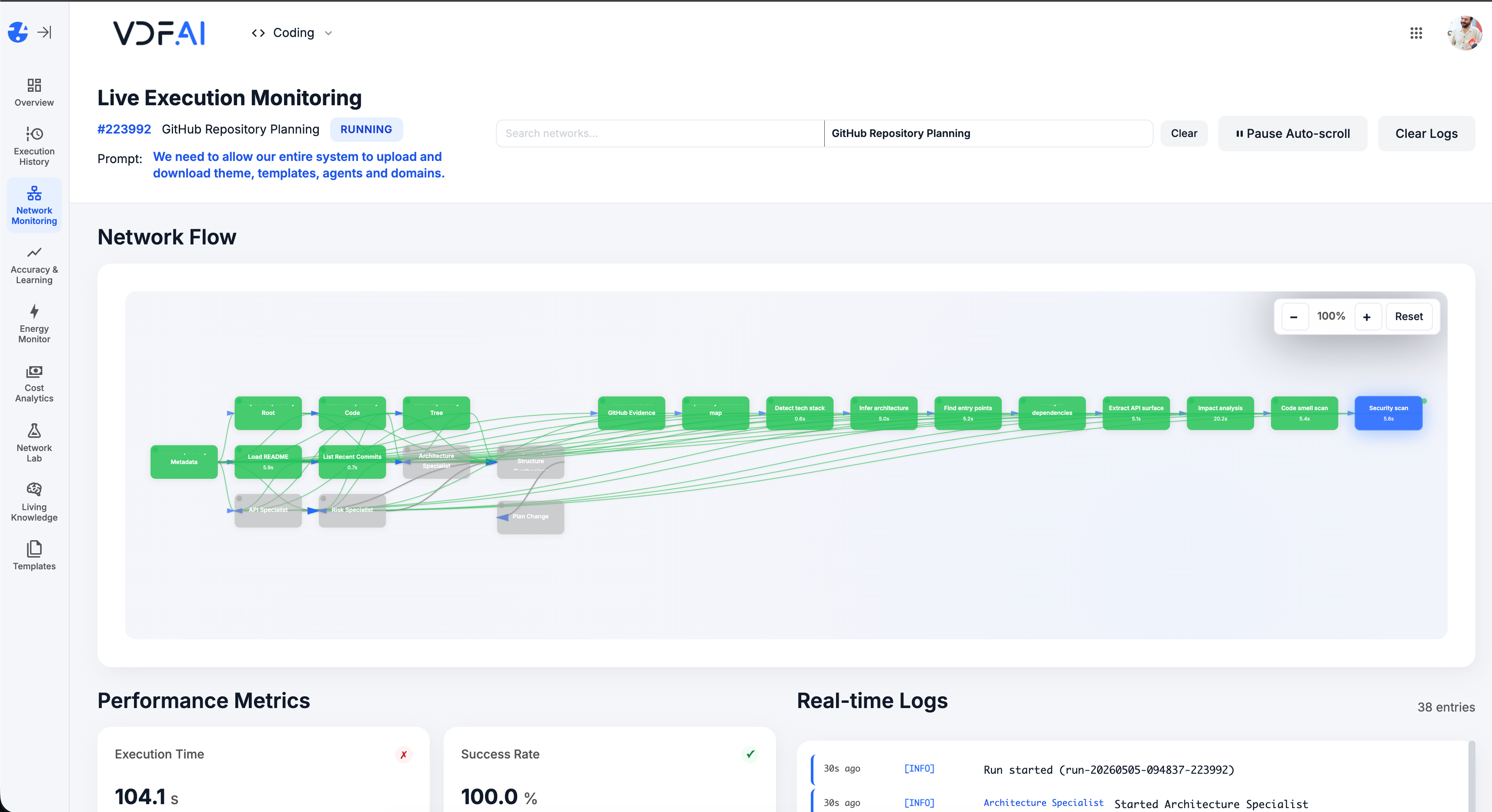
Live monitoring shows every retrieval. SEEMR learns which source resolves which intent fastest.
OUTCOMES
L1 talks less, resolves more
tickets resolved per L1 agent shift.
average handling time on repeat issues.
answers cite the runbook, doc, or past ticket they came from.
SEEMR REFERENCE
Quality compounds with every resolved ticket
SEEMR's knowledge-graph mode wires resolved-ticket signals into the routing fabric, so common issues get cheaper and faster over time.
FREQUENTLY ASKED QUESTIONS
What teams ask before shipping this playbook
Will the assistant see tickets it should not?
No. Domains scope which agents can call which retrieval tools and ITSM endpoints. Per-project Jira permissions are honored through the tool call itself.
Can it create tickets on the user's behalf?
Yes, if you expose a ticket-create endpoint as a Custom HTTP tool. Most teams start with read-only and add write tools after the pilot.
What if our runbooks are out of date?
The assistant will surface the freshest indexed version. If you embed effective dates or "last validated" metadata, Living Knowledge ranks newer content higher.
How do we measure value?
Live Execution Monitoring captures handling time and resolution rate. Accuracy Testing replays a golden set of past tickets after every change to the network.
Can we use this without giving the model access to source code?
Yes. GitHub vector search can be scoped to READMEs and architecture docs, excluding source. Domains enforce this at the retrieval layer.
How long does a pilot take?
Four weeks is typical: one week to index, one to author the agent, one for golden-set validation, one for cutover. After that, SEEMR keeps improving routing in production.
RELATED PLAYBOOKS
Continue with related VDF AI patterns


GET IN TOUCH
You Have Questions
Tell us what you’re trying to achieve—governed AI Networks, enterprise RAG, deep integrations, or on‑premise deployment. We’ll help you map the right architecture, security posture, and rollout path. If you’re moving beyond AI pilots and need scalable, auditable execution, reach out—our team is ready to help.